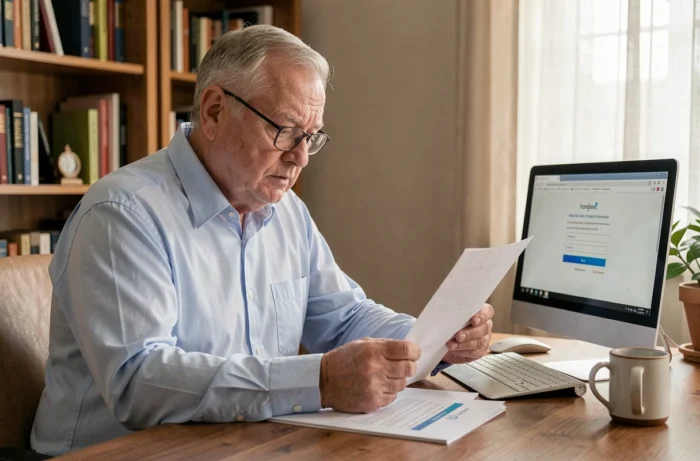
The services-aux-retraites.sncf.com portal relies on a SNCF employee number / password pair, and the simultaneous loss of both creates a complete blockage. The recovery procedure varies depending on the missing element, and retirees who confuse the different SNCF digital spaces multiply unnecessary attempts on the wrong portal.
Lost SNCF Employee Number: Where to Find It Without Going Through the Portal
The employee number is a seven-digit identifier followed by a letter, assigned upon hiring. It appears on old pay slips, certificates from the Caisse de Prévoyance et de Retraite (CPR), and the latest pension statement. We recommend checking these paper documents before any digital steps.
If no documents are available, the CPR remains the only organization authorized to confirm an employee number. The account creation form on cprpf.fr actually requires this employee number in the format 7 digits + 1 letter, proving that the identifier is central to the entire SNCF retirement ecosystem.
When the loss concerns both the employee number and access to the email address associated with the account, the online procedure is no longer sufficient. There is a backup route by postal mail to the digitization center in Amiens, intended for retirees who are completely blocked digitally. This paper procedure, rarely mentioned in online guides, allows for access to be reallocated after identity verification.
The process to recover your SNCF retirees family agency identifiers therefore involves a prior diagnosis: lost employee number only, forgotten password only, or double loss with inaccessible email. Each case calls for a different channel.
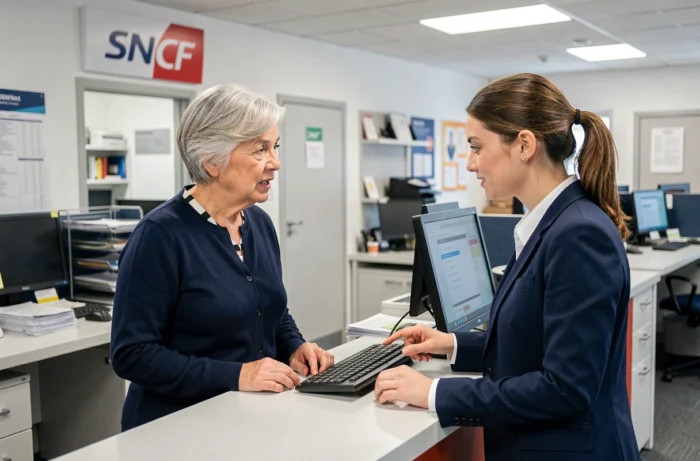
SNCF Retiree Account Lockout: The Trap of Three Attempts
After three unsuccessful login attempts, the account is locked for 30 minutes. This security mechanism, consistent with other SNCF HR spaces, leads to escalation among retirees who insist with an approximate password.
The problem is exacerbated by confusion between visually similar characters. The login page of the portal itself points this out: the lowercase “l” and uppercase “I” are nearly identical in certain fonts. A complex password, sometimes defined only once at retirement, quickly becomes indecipherable.
Password Reset: Prerequisites
The “forgot password” function on services-aux-retraites.sncf.com requires first entering the employee number. Without the employee number, no reset is possible from the web interface. The reset email is sent to the address registered in the account, which poses a major problem for former employees whose @sncf.fr professional address has been deactivated after departure.
If you have changed your personal email provider or if your @sncf.fr address was the only one referenced, the reset link will never arrive. In this specific case, updating the email address can only be done through direct contact with the relevant service, by phone or by mail.
Retiree Portal and Travel Facilities: Two Spaces, Two Sets of Identifiers
We regularly observe that retirees attempt to log in to the facilites-circulation.sncf.fr portal with their identifiers from the services-aux-retraites.sncf.com portal, or vice versa. These two spaces do not share the same authentication system.
- The services-aux-retraites.sncf.com portal manages pension statements, social action, and administrative information. The identifier is the SNCF employee number.
- The facilites-circulation.sncf.fr portal concerns discount cards and transport facilities. It has its own password recovery mechanism, accessible by email.
- The Carmillon Pass, linked to SNCF Connect, constitutes a third completely distinct identifier, associated with a personal email address and unrelated to the employee number.
Confusing these three accesses generates failed attempts that trigger the 30-minute lockout on each affected portal. Before taking any action, it is essential to precisely identify which space is targeted and which identifier corresponds to it.
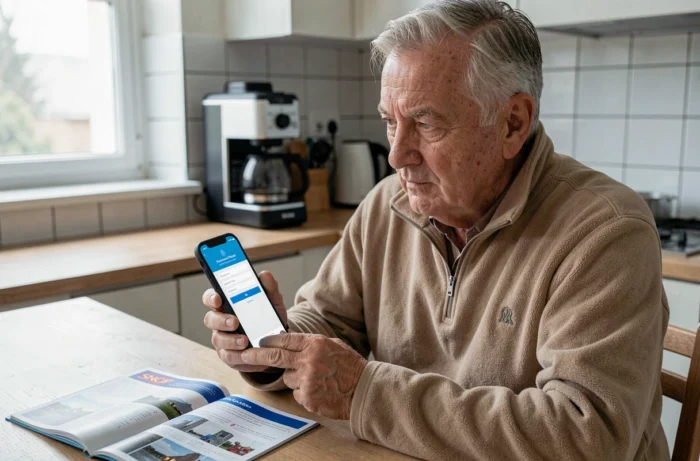
Deactivated @sncf.fr Email Address: The Post-Retirement Flaw
The professional @sncf.fr address is deactivated after cessation of activity. Retirees who had used it as their only contact address on the portal find themselves in a deadlock: password reset sends a link to a non-existent inbox.
The solution requires human contact. Two channels work to unlock the situation:
- By phone, by calling the dedicated CPR retirees service, with the employee number and an ID ready for verification.
- By postal mail addressed to the digitization center in Amiens, enclosing a copy of an ID and the employee number if available.
- By visiting a France Services reception point, which can assist with digital administrative procedures, including for SNCF portals.
We recommend updating the contact email address as soon as you retire, replacing it with a permanent personal address. This operation, feasible from the portal when the account is still active, avoids all blockages related to the deactivation of the professional email.
Preventing the Loss of SNCF Retiree Identifiers
The password for the retirees portal must contain at least 12 characters with one letter, one number, and one uppercase letter. This requirement, identical to that of the CPR for account creation, encourages the use of a password manager rather than a sticky note.
Keeping a physical copy of the employee number in a dedicated administrative file remains the most reliable measure. The employee number never changes and cannot be reset: its definitive loss complicates all future procedures, including those unrelated to digital matters.
Checking at least once a year that the email address associated with the portal is still active helps avoid the situation of double blockage. A retiree whose email works and who knows their employee number can recover their password in a few minutes from the web interface, without needing to contact any service.